Build your First CrewAI Agents
A step-by-step guide to creating collaborative AI agent crews with the CrewAI framework
 João (Joe) Moura

If you've been exploring the AI agent ecosystem, you're likely aware of the potential behind coordinated multi-AI agent systems. CrewAI is an open-source framework designed specifically to simplify the development of these collaborative agent networks, enabling complex task delegation and execution without the typical implementation headaches.
This guide walks you through creating your first agent crew from scratch, following our latest video tutorial below.
You'll learn how to:
Set up your development environment with CrewAI and its dependencies
Scaffold a new project using our CLI tools
Configure your agents and tasks through YAML-based definitions
Implement specialized tools for web searches and other capabilities
Execute your crew and observe multi-agent collaboration in action
Prerequisites
Before diving in, ensure your environment meets these requirements:
uvPackage Manager: CrewAI leveragesuvfrom Astral (creators of Ruff) for dependency management. This ultra-fast package manager significantly improves installation speed and reliability compared to traditional pip.Python: CrewAI requires Python
>3.10and<3.13. Verify your version:
python3 --versionInstallation: Setting up your Environment
1. Install the uv package manager
Choose the appropriate method for your operating system:
macOS / Linux:
curl -LsSf https://astral.sh/uv/install.sh | shWindows (PowerShell):
powershell -c "irm https://astral.sh/uv/install.ps1 | iex"Verify installation:
uv --versionNote: For advanced installation options or troubleshooting, refer to the official uv documentation.
2. Install the CrewAI CLI
With uv ready, install the CrewAI command-line interface:
uv tool install crewaiIf this is your first time using uv tool, you might see a prompt about updating your PATH. Follow the instructions (typically running uv tool update-shell) and restart your terminal if needed.
Verify your installation:
uv tool listYou should see crewai listed with its version number (e.g., crewai v0.119.0).
Project Creation: Scaffolding your first Crew
CrewAI offers a structured project generator to set up the foundation for your agent crew. Navigate to your projects directory and run:
crewai create crew latest-ai-developmentThe CLI will prompt you to:
Select an LLM Provider: Choose your preferred Large Language Model provider (OpenAI, Anthropic, Gemini, Ollama, etc.)
Select a Model: Pick a specific model from the provider (e.g.,
gpt-4o-mini)Enter API Keys: You can add these now or later
Generated Project Structure
The CLI creates a well-organized directory structure:
latest-ai-development/
├── .env                  # Environment variables and API keys
├── .gitignore            # Pre-configured to prevent committing
                          # sensitive data
├── pyproject.toml        # Project dependencies and metadata
├── README.md             # Basic project information
├── knowledge/            # Storage for knowledge files (PDFs, etc.)
└── src/                  # Main source code
    └── latest_ai_development/
        ├── config/       # YAML configuration files
        │   ├── agents.yaml
        │   └── tasks.yaml
        ├── tools/        # Custom tool implementations
        │   └── custom_tool.py
        ├── crew.py       # Crew class definition
        └── main.py       # Entry point
Navigate into your project directory:
cd latest-ai-developmentConfiguration
This is where you define your crew's agents and tasks through YAML configuration files.
1. API Keys (.env)
Open the .env file and add your API keys:
MODEL=provider/your-preferred-model # e.g gemini/gemini-2.5-pro-preview-05-06
<PROVIDER>_API_KEY=your_preffered_provider_api_key
SERPER_API_KEY=your_serper_api_key  # For web search capability
Security Note: Never commit this file to version control. The generated
.gitignoreis already configured to exclude it.
2. Agent Definitions (agents.yaml)
Define your intelligent agents in src/<your_project>/config/agents.yaml:
researcher:
  role: '{topic} Senior Data Researcher'
  goal: 'Uncover cutting-edge developments in {topic} with comprehensive research'
  backstory: 'You are a seasoned researcher with expertise in identifying emerging trends. Your specialty is finding information that others miss, particularly in technical domains.'

reporting_analyst:
  role: '{topic} Reporting Analyst'
  goal: 'Create detailed, actionable reports based on {topic} research data'
  backstory: 'You are a meticulous analyst with a talent for transforming raw research into coherent narratives. Your reports are known for their clarity and strategic insights.'
Dynamic Variables: Note the {topic} placeholders. These are dynamically replaced at runtime with values from your main.py file.
3. Task Definitions (tasks.yaml)
Define what each agent needs to accomplish in src/<your_project>/config/tasks.yaml:
research_task:
  description: >
    Conduct thorough research about {topic}. Focus on:
    1. Latest developments (make sure to find information from {current_year})
    2. Key players and their contributions
    3. Technical innovations and breakthroughs
    4. Challenges and limitations
    5. Future directions
  expected_output: >
    A list with 10 bullet points covering the most significant findings about {topic},
    with emphasis on technical details relevant to developers.
  agent: researcher

reporting_task:
  description: >
    Review the research findings and create a comprehensive report on {topic}.
    Expand each bullet point with supporting evidence, technical explanations,
    and implementation considerations.
  expected_output: >
    A fully fledged technical report with sections covering each major aspect of {topic}.
    Include code examples where relevant. Format as markdown without code block indicators.
  agent: reporting_analyst
  output_file: report.md  # Automatically saves output to this file
4. Tools Integration (crew.py)
Agents often need specialized tools to interact with external systems. Let's add a web search capability for our researcher agent:
First, import the tool at the top of crew.py:
from crewai_tools import SerperDevToolThen, find the researcher agent definition and add the tool:
@agent
def researcher(self) -> Agent:
    return Agent(
        config=self.agents_config['researcher'],
        tools=[SerperDevTool()],  # Enable web search capability
        verbose=True,
        llm=self.openai_llm
    )
5. Entry Point (main.py)
This file initializes your crew with dynamic input parameters:
from datetime import datetime

# Variables that will be interpolated in your YAML configurations
inputs = {
    'topic': 'Open source AI agent frameworks',
    'current_year': str(datetime.now().year)
}

# Initialize and run the crew
LatestAiDevelopment().crew().kickoff(inputs=inputs)
Customization Tip: Adjust the
topicvalue to change what your crew researches.
Execution: Running your Crew
With everything configured, install the project dependencies:
crewai installThis command uses uv to install and lock all dependencies defined in pyproject.toml.
Now, execute your crew:
crewai runWatch your terminal as your agents come to life! You'll see:
The researcher agent using the
SerperDevtool to search for informationThe reporting_analyst agent receiving the research findings
Both agents working cooperatively to generate the final report
When execution completes, you'll find the output file (report.md) in your project directory, containing the comprehensive report created by your AI crew.
Next Steps: Expanding your CrewAI skills
Congratulations on building your first AI agent crew! From here, you can:
Add more specialized agents for different aspects of your workflow
Create custom tools for database access, API integration, or data processing
Experiment with different LLM providers to optimize for cost or capability
Use Flows for more complex agentic processes
Deploy your crew using CrewAI Enterprise for production environments.
Follow this tutorial to deploy your local project we just created in this blog.
Resources
CrewAI Documentation - Comprehensive docs and guides
GitHub Repository - Source code and examples
Community Forum - Get help and share your creations
Related News
 Crew AI Enterprise
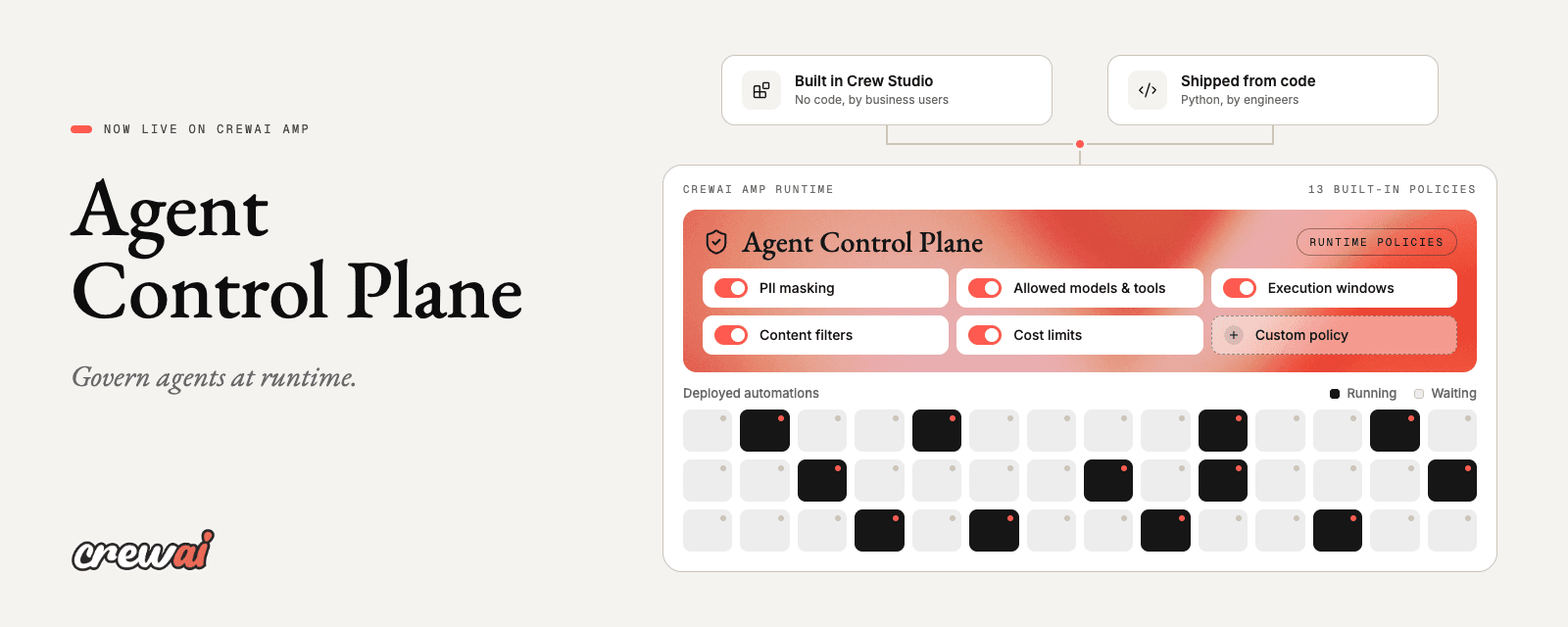
How to govern enterprise agents at runtime with the CrewAI Agent Control Plane
João (Joe) Moura | October 16, 2026
 Crew AI Enterprise
The People Who Understand Don't Build. The People Who Build Don't Understand.
Pedro Moura | August 14, 2026
 Crew AI Enterprise
Crew Studio: The Automated Agent Builder
Jesse Miller | July 28, 2026


